

The window is the worst place to improvise. You've got six people in line, a griddle running behind, and a customer who's already half-decided. The temptation is to say something — "Want fries with that?" — and hope it lands. Most of the time it doesn't, and when it does, it adds eleven seconds to a ticket that was already tight.
Most upsell advice treats the window like a retail counter. Food trucks don't work that way. You've got a physical constraint — a single order point, a tiny crew, a line that visibly backs up when you stall. An upsell that works at a sit-down restaurant can quietly destroy your revenue-per-hour at a lunch stop, because the thing you're actually selling at peak isn't food, it's throughput.
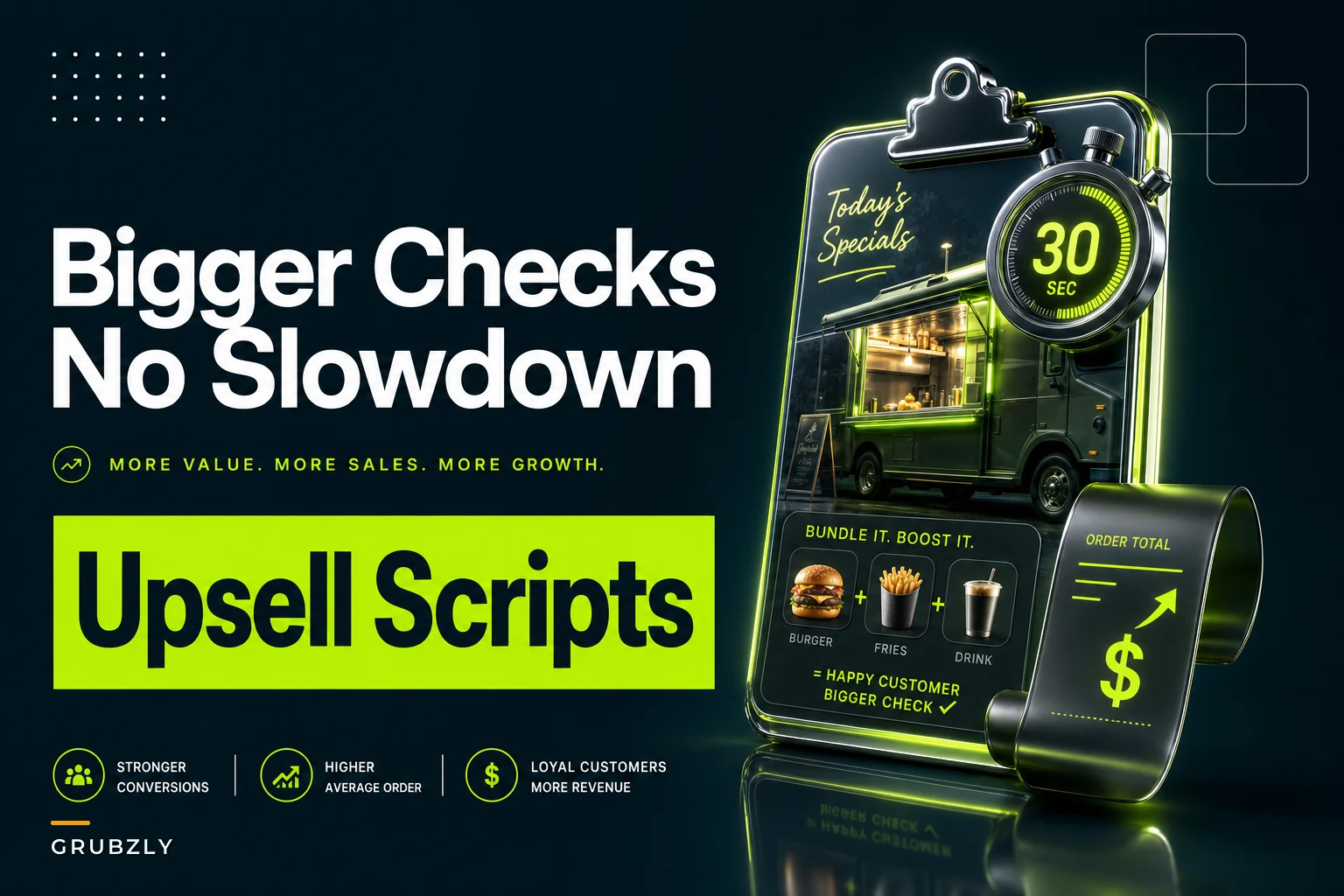
So this isn't a pep talk about "always be closing." It's five specific scripts, each tied to a menu type, with the bundling math underneath them and a simple rule for measuring whether any given script is helping or hurting. If a script adds more seconds than it adds dollars, you kill it. That's the whole game.
Why most window upsells quietly lose money
An operator adds an upsell, watches the check average tick up a dollar or two, and declares victory. What they don't track is that average ticket time went from 48 seconds to 61 seconds. On a slow stop that's fine. On a 90-minute lunch rush where the line is the bottleneck, those thirteen seconds per order mean you serve maybe 12–15 fewer people before you pack up.
Run the math. If you were doing roughly 110 orders in a lunch window at a $14 average, dropping to 95 orders — even at a $16 average after the upsell — means you went from about $1,540 to roughly $1,520. You "raised your check average" and made less money. That's the trap.
The core insight: an upsell is only free if it doesn't touch the critical path. The critical path is whatever station is already the slowest. If your fryer is maxed and you upsell fries, you didn't add revenue, you added a queue. If your fryer is idle and you upsell a drink from the cooler next to the window, you added pure margin with zero added cook time.
Every script below attaches to a non-bottleneck item — something pre-made, cold, shelf-stable, or already cooking in batch. That's the unlock.
The two numbers you actually measure
Before the scripts, you need to agree on what "working" means. Two metrics, tracked per stop, per script:
Stop losing sales to poor planning.
Grubzly helps you plan routes, track inventory, and maximize daily sales effortlessly.
- Real-time route optimization
- Inventory tracking & alerts
- Mobile sales & reporting
No credit card required
-
Ticket-time delta — the added seconds per order when the script is in use. Measure it by timing 20 orders with the script and 20 without, same stop type, same crew. You want the real number, not a guess.
-
Revenue-per-labor-hour — total window revenue divided by crew hours worked that window. This is the only revenue number that respects your constraint. Check average lies. Revenue-per-hour doesn't.
The rule that ties them together:
> An upsell stays in rotation only if it raises revenue-per-labor-hour without raising ticket-time delta past the point where the line grows faster than you can clear it.
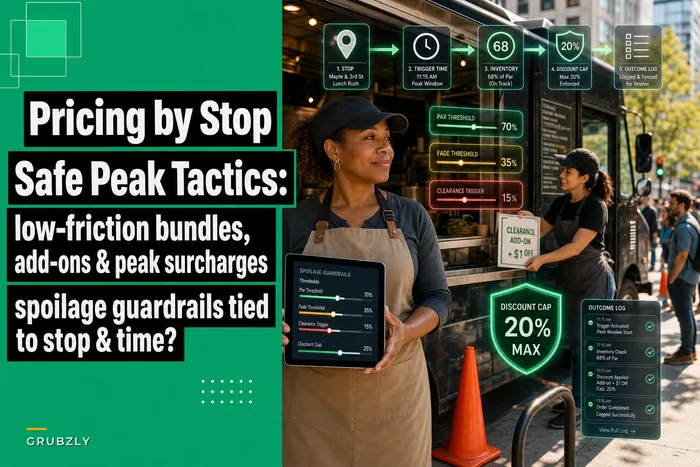
In practice, at a slow stop almost any upsell is worth running. At a peak stop, only no-cook, grab-and-hand upsells survive. Same truck, same menu — different script rules depending on the window. This pairs directly with how you think about dynamic pricing by stop: the peak window needs different levers than the dead one.
Script 1 — High-volume handheld menus (tacos, burritos, smash burgers)
These menus live or die on throughput. The bottleneck is almost always the flat-top or the assembly line, never the drinks or the chips. So your upsell must never touch the grill.
The script (≈8 seconds):
> "You want a cold agua fresca with that? They're in the case right here — grab one while I ring you up."
It points at a visible, pre-made, self-serve item and attaches it to a moment that's already happening (ringing up). The customer self-selects, you don't break assembly rhythm, and the drink margin is usually 70%+.
The bundling math: price the drink standalone at $4, but bundle it into the combo at $2.50. The $2.50 feels like a deal, but your cost on a house-made agua fresca is maybe $0.45. You're netting ~$2 of pure margin with zero added cook seconds. Ticket-time delta: 2–3 seconds.
Bundle structure:
| Item | Standalone | In bundle | Your cost | Added cook time |
|---|---|---|---|---|
| 2 tacos | $9 | $9 | $2.80 | base |
| Agua fresca | $4 | +$2.50 | $0.45 | 0 sec |
| Chips | $3 | +$1.50 | $0.35 | 0 sec |
| Full bundle | $16 | $13 | $3.60 | ~2 sec |
The bundle "discount" is basically illusory — you're trading $3 of perceived savings for roughly $4 of added pure-margin items that never touch your bottleneck.
Script 2 — Fried & batch-cooked menus (wings, loaded fries, chicken sandwiches)
The fryer is the critical path here, so upselling more fried stuff at peak is a mistake. Don't. Your upsell target is the sauce, the extra dip, the topping — things that live in squeeze bottles and prep containers.
The script (≈6 seconds):
> "Add a second sauce for a buck? The garlic parm goes crazy on those."
This works because it's a modifier, not a menu item. No new ticket line to cook, no fryer load, just a reach-and-dollop. Trucks pulling an extra $0.80–$1.20 on close to half their orders this way see basically zero ticket-time impact.
The deeper point: on fryer-bound menus, your profit lever is attach rate on no-cook add-ons, not bigger orders. A truck doing 90 orders a window at a 40% sauce-attach rate at $1 each is adding ~$36 per window — call it $140–$180 a day across stops — with effectively zero throughput cost.
Script 3 — Slow-build premium menus (gourmet grilled cheese, specialty bowls, BBQ plates)
Different animal. These lines are already slower per order, customers expect to wait, and the check average is higher. You can afford a few extra seconds because the window isn't a sprint — it's a slower, higher-ticket flow. This is the one menu type where a food-cost upsell actually makes sense.
The script (≈12 seconds):
> "Want to make it a plate? Comes with the mac and a cornbread — honestly it's the move if you're hungry."
Because the base ticket is $14–$18, adding a $6 side upgrade is proportionally smaller friction, and the customer's already in a "treat myself" headspace by ordering premium. A ticket-time delta of 8–10 seconds is acceptable because this menu does maybe 50–65 orders a window, not 110. Throughput isn't the binding constraint — basket size is.
When this is a bad idea: if you run this menu at a high-volume festival stop where the line hits 20 deep, cut the script. The moment the line becomes your constraint, revert to the no-cook rule. Same menu, same script — wrong window.
Script 4 — Dessert / sweets add-on (any savory menu with a sweet SKU)
The most underused upsell on a food truck is the sweet thing sitting in a display case that nobody mentions. Cookies, churros, a brownie, soft-serve. These are usually pre-made, high-margin, and the customer hasn't mentally budgeted for them — so the "yes" rate is high when prompted.
The script (≈5 seconds):
> "We've got warm churros for two bucks — want one for the walk?"
"For the walk" matters. It frames it as a now-decision, not a maybe-later. That phrase — along with "while you wait" — consistently outperforms "would you like dessert?" because it's concrete and immediate, not a vague offer they have to think about.
The bundling move for dessert: don't bundle it into the combo. Keep it as a standalone impulse add at the moment of payment. Bundling a dessert into a combo actually lowers attach rate — it disappears into the package. As a separate, named, 5-second prompt at the register, it converts far better.
A realistic pattern: a truck selling churros at $2 (cost ~$0.40) with a 25–30% attach rate on 100 orders adds roughly $50 a window in nearly pure margin. Four stops a week, that's a few hundred dollars for a one-line script.
Script 5 — Prepay and app-order menus (where there's no human window at all)
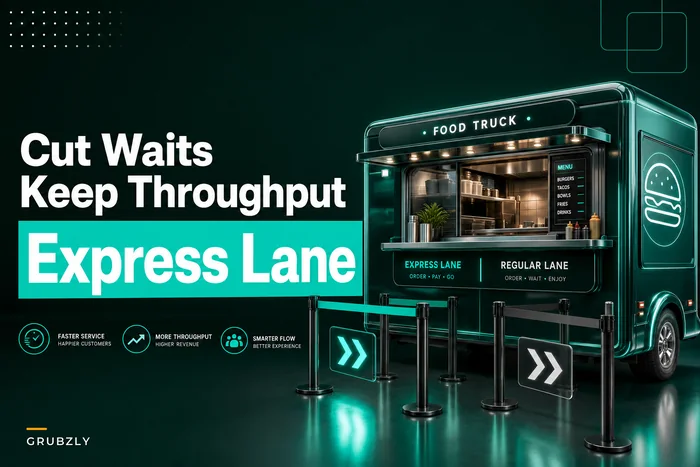
If you're running prepay or app-ahead ordering, the "script" is a screen, not a sentence — and that changes everything. There's no ticket-time cost at all, because the customer is clicking, not talking, and the kitchen sees the order in advance. This is the cleanest upsell channel you have, and it pairs naturally with express-lane and prepay workflows that keep the physical line moving.
The "script" (an on-screen prompt):
> "Make it a combo and save $2" — shown as a single tappable upgrade right before checkout.
The rules for digital upsells are different:
-
Offer exactly one upgrade, not three. Choice paralysis at checkout kills conversion.
-
Attach it to a no-cook or batch item so your kitchen isn't surprised by a flood of complex mods.
-
Show the savings number, not the price. "Save $2" beats "+$2.50" even when they describe the same bundle.
-
Default to the most common add (drink + side), since that's what most people would've said yes to at a window anyway.
Because there's zero ticket-time delta on a digital upsell, the measurement rule flips: optimize purely for attach rate and margin. This is the one place you can be aggressive.
A workflow for rolling a new script onto the truck
Don't just announce a script at pre-shift and hope the crew uses it. Scripts die in the field because they're never measured, so nobody knows if they worked, so they fade. Run it like a small test:
-
Pick one script and one stop type. Don't test five things at once — you won't be able to tell what moved.
-
Baseline first. Run two windows with no upsell. Record orders, revenue, and crew hours. Calculate revenue-per-labor-hour.
-
Time 20 orders with the script, 20 without. Get your real ticket-time delta. This is the number everyone skips and the one that matters most.
-
Run the script for a full week at that stop type. Track check average, attach rate, and revenue-per-labor-hour.
-
Compare revenue-per-labor-hour, not check average. If it went up and the line didn't grow, keep it. If check average rose but revenue-per-hour fell, the script is costing you throughput — cut it or move it to slow stops only.
A simple visual of this testing workflow helps crews follow the steps.
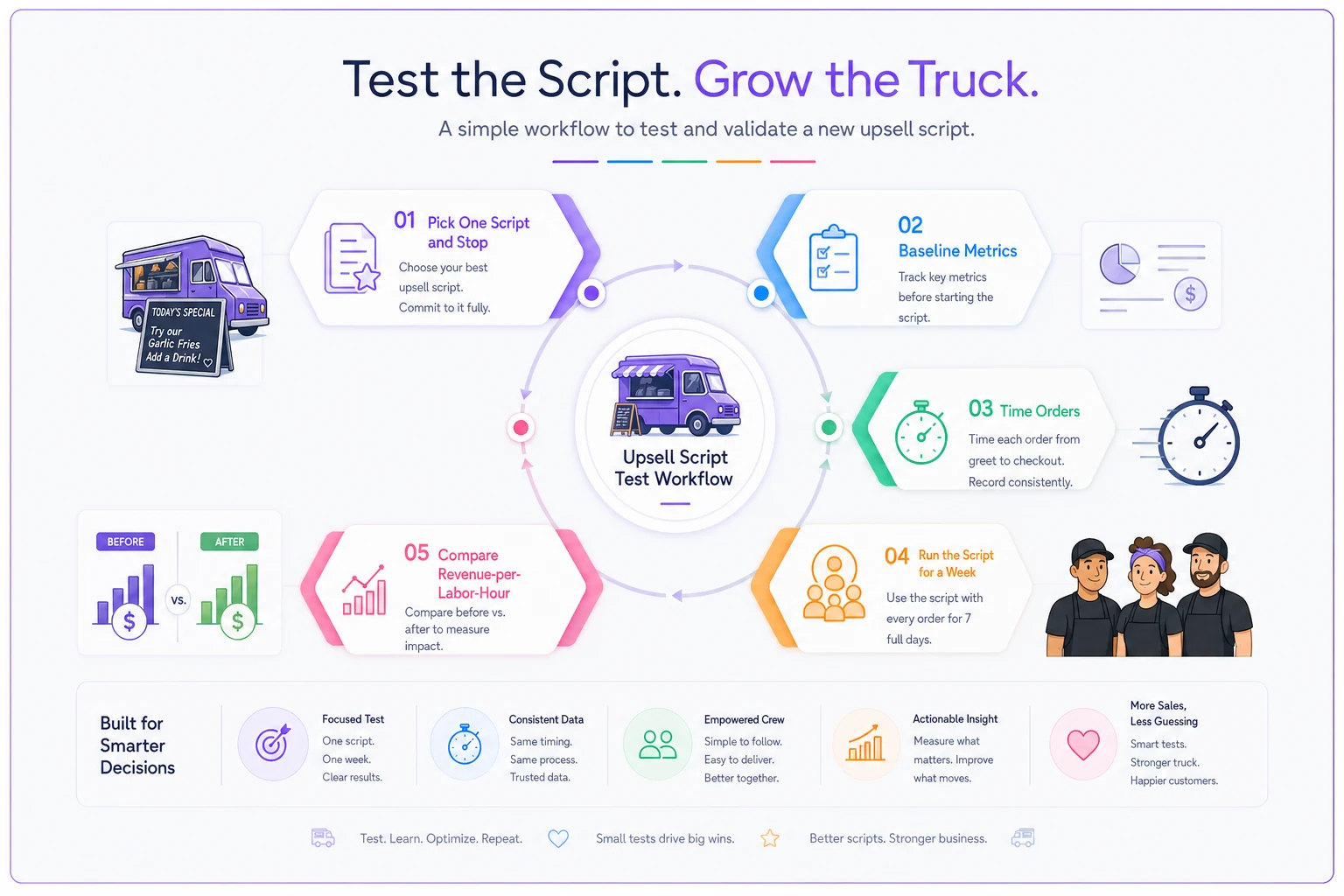
The whole test takes a week and costs nothing but attention. The payoff is you stop guessing which lines actually make money.
A real scenario: the burrito stop that was "winning" and losing
A two-person burrito truck working a weekday office stop added a "chips and guac?" upsell to lift their ticket. Check average climbed from about $12.50 to $14.20 — looked like a clear win, so they kept pushing it hard.
What they missed: guac was scooped fresh per order, and at peak the person assembling was already the bottleneck. The upsell added about 14 seconds per order. Over a 75-minute lunch window, they went from serving roughly 95 people to about 80. Revenue per window actually slipped by $40–$60 even though every receipt was bigger.
The fix was simple. Instead of fresh guac (bottleneck), they pushed a canned agua fresca from the cooler beside the window — "grab a drink while I ring you." Ticket-time delta dropped to 2–3 seconds, attach rate landed around 35%, and they were back to serving 90+ people a window with a higher check average and higher revenue-per-hour. Same instinct to upsell, different item. The item choice was the entire difference.
When upselling at the window is a bad idea
Not every window should have a script running:
-
When you're already the constraint and every item touches it. If the whole menu goes through one fryer and the line's 15 deep, the best upsell is faster service.
-
When your crew is new and still slow on the base menu. A script is cognitive load. Get them fluent on core orders first, add the upsell later.
-
When the only available add-ons are cook-intensive. If you've got nothing pre-made or cold to attach, building an upsell means building a new prep item. That's a menu project, not a script.
In those cases, leave the window quiet and move your margin work upstream — portioning, bundling at the menu-design level, or pricing the stop differently. Jamming an upsell into a maxed window just turns customers into a longer line.
Keeping track across stops without it becoming a chore
The reason most trucks never nail this is that the measurement lives in someone's head. One person "feels like" the upsell is working, the owner isn't on the truck that day, and nobody's comparing revenue-per-hour across stop types. Good scripts get dropped and bad ones stick around for months.
A basic operational system earns its keep here — not anything fancy, just logging attach rate, ticket count, crew hours, and window revenue per stop so revenue-per-labor-hour calculates itself. When that data sits in one place instead of scattered across receipts and memory, the decision becomes obvious: this script helps at the office stop, hurts at the festival, wash on weekends. AI-assisted operational tools can surface those patterns automatically — flagging when attach rate dropped 8% at your Tuesday stop without you having to dig through a spreadsheet — so you're reacting to what's actually happening instead of a gut feeling. But the system matters more than the software. Even a shared spreadsheet beats guessing.
The point isn't the tool. It's that an upsell script is a small experiment, and experiments need a scoreboard. Without one, you're just hoping the check average number means something.
The best window upsell isn't the one with the highest check average — it's the one that adds dollars without adding seconds to your slowest station. Match the script to the menu type, attach it to something that never touches your bottleneck, and measure revenue-per-labor-hour instead of trusting the receipt total. Do that, and you'll find a few hundred dollars a week hiding in a five-second sentence you weren't saying.
Ready to drive your food truck business forward?
Join 2,000+ food truck operators relying on Grubzly to boost efficiency, increase sales, and delight customers.